in Releases
VRTs v2.0: Runs, Update Automations and More

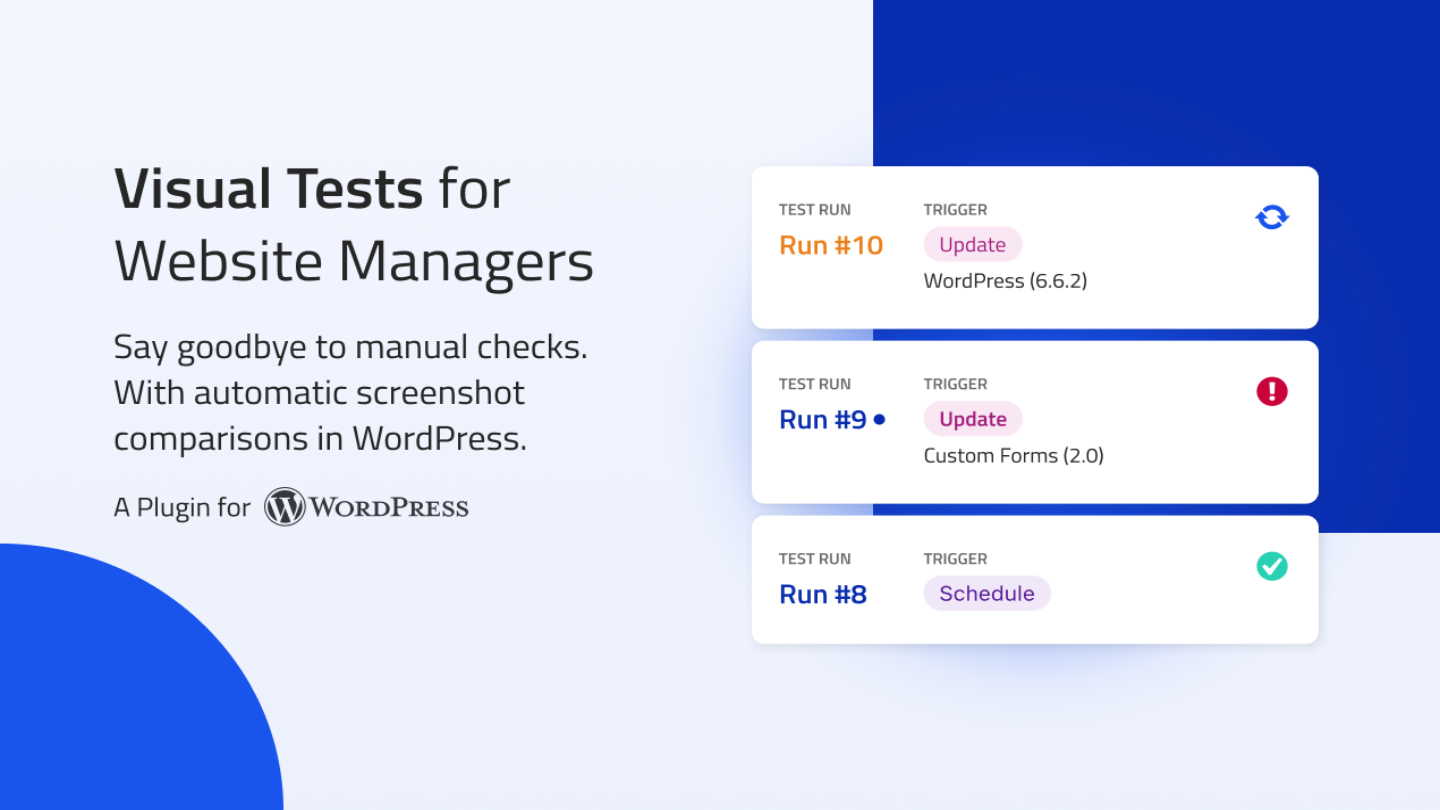
Websites break. All. The. Time. Plugin update? Buggy. API integration? Down. New feature? Hello, side effects. VRTs helps you spot changes quickly. Now including automatic tests after WordPress core, plugin and theme updates.
Test less, automate more
Our goal is that you spend less time testing, so you can focus on doing your best work. That’s why we’re on a mission to make test automation easy and accessible for everyone. With automated screenshot comparisons in WordPress.
What’s new in v2.0
Every day, VRTs captures and compares screenshots of your selected pages. Thanks to all the feedback we received, we’re introducing powerful new features. Staying on top of your website updates is now smoother than ever.
Runs
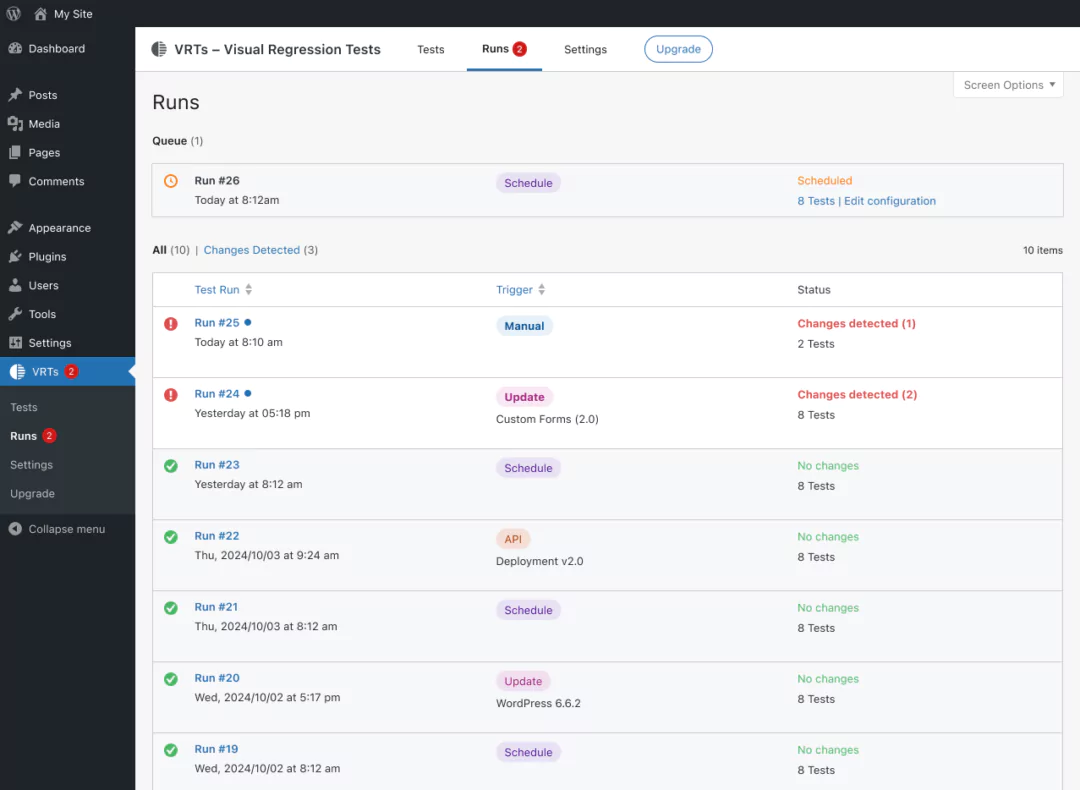
Test results are now bundled, giving you a clear overview of when tests ran and what triggered them. Receive a single email for every run with detected changes.
Reimagined test reviews
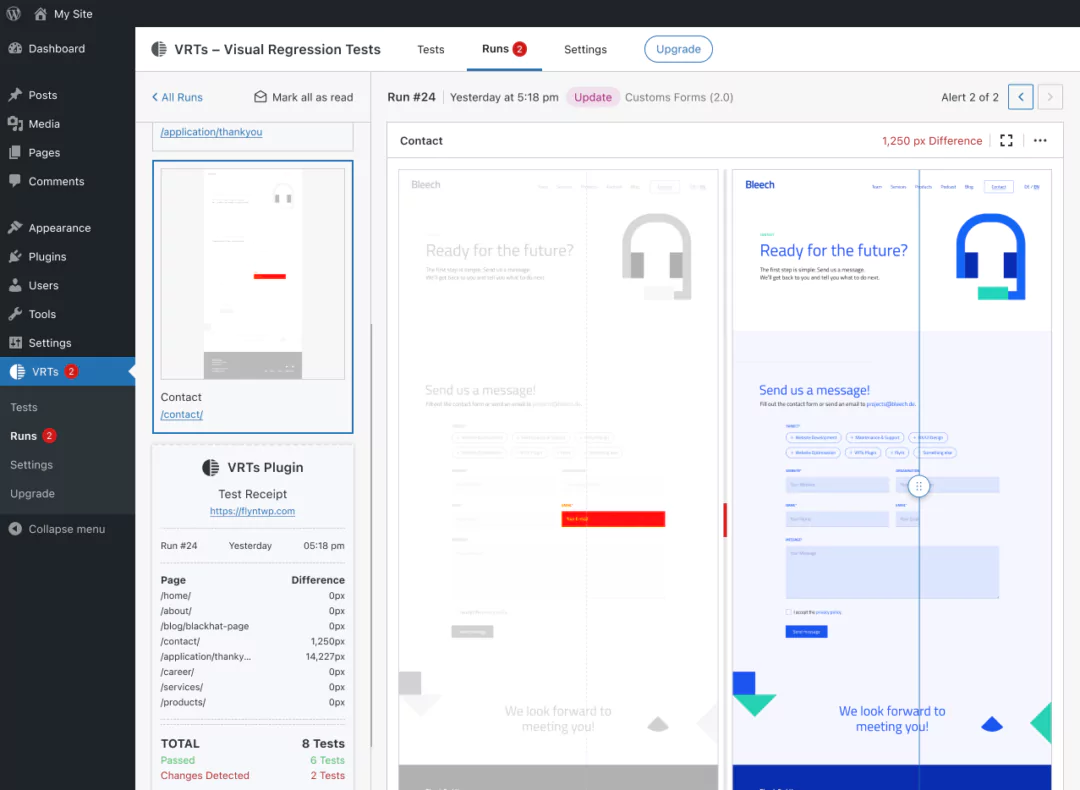
We redesigned the review interface from the ground up, including new visual indicators, to help you spot changes faster than ever. Inspect changes up close with the difference view and comparison slider in fullscreen mode.
Automatic tests for updates
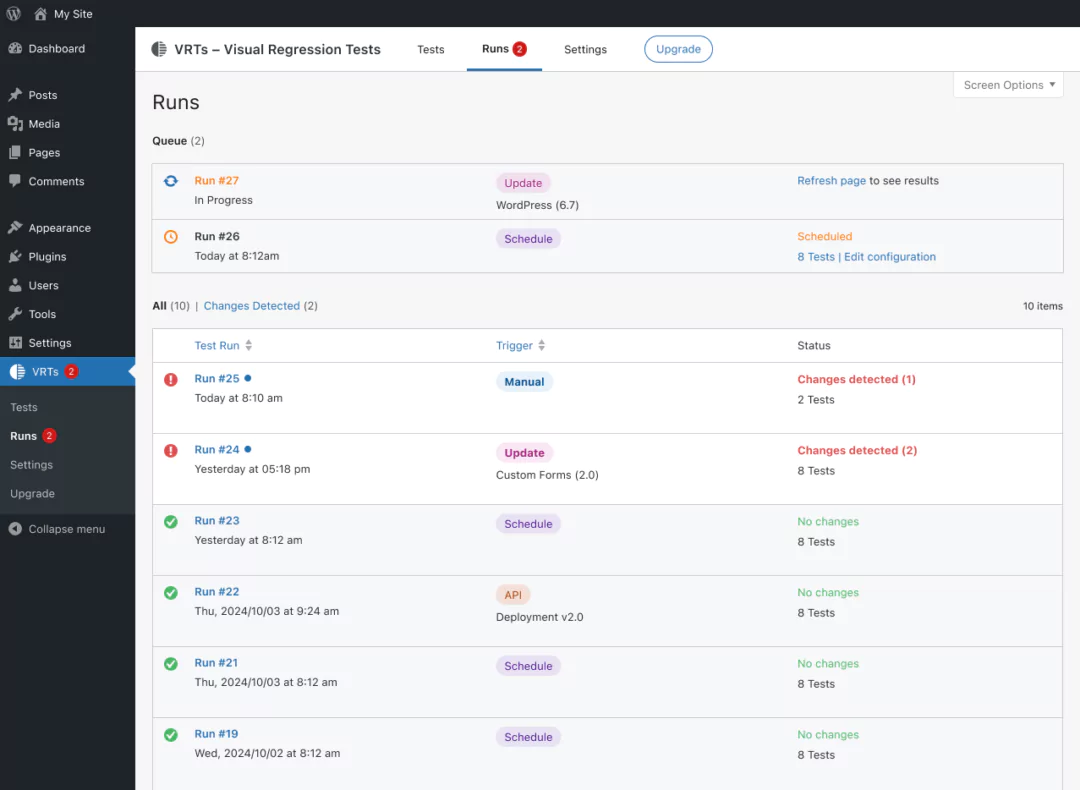
VRTs now automatically tests after WordPress core, plugin, theme, or language updates, so you’ll catch unexpected changes immediately. (Pro Feature)
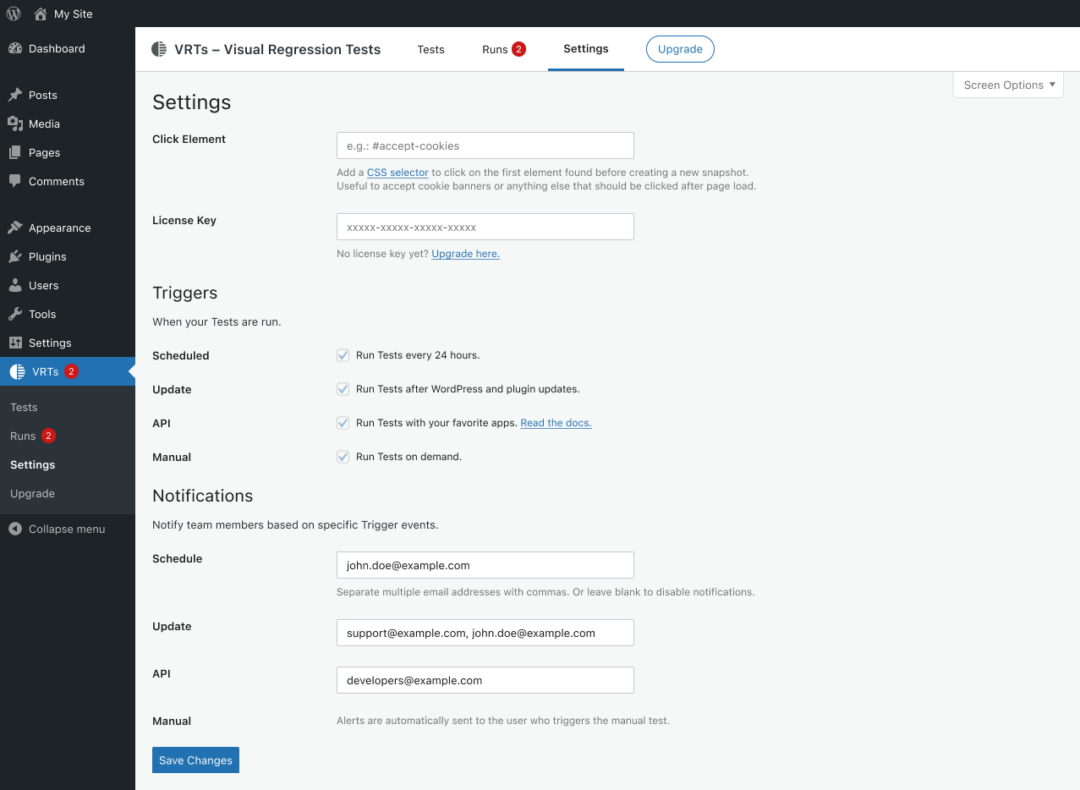
Customizable notifications
Specify email addresses for each trigger, to set up notifications for various teams or stakeholders, ensuring only the right people receive an email. (Pro Feature)
Listen, learn, repeat
Thank you very much for all the praise and critique in the past year. We have been working on countless iterations and optimisations since. Now we can’t wait for you try the new features and to hear your thoughts!
We hope VRTs makes managing your websites easier and stress-free.
Thanks for being part of this journey with us.
Your VRTs team 🙌